When it comes to music, YouTube is a great place to listen and watch music. This is one of the best places to listen to music when you using your phone or PC. But if you are an Apple user, you have to face some limitations. The main one is that the music stops when you turn off the screen. Also, if you leave the app for the home screen or open another app, the music is stopped in the YouTube app.
Turning off the lock screen is also important for a lot of causes. It helps to save battery and stop the touchscreen from working. When your phone is in the pocket and if the touchscreen is on, it can accidentally tap anything on the screen and may cause many troubles. And it can stop the next video playing. And you know that the YouTube app won’t allow users to turn off the screen while watching a video. With this, you can listen to music in the background.
In that case, you have an easy answer. It is get YouTube Premium or pay for YouTube Music. When you buy these things, you can play music even when your screen is off or when you use another app. but this may cause you to spend money and if you don’t want to waste money on these types of things, you can do some small tasks, and they will do the same job for free.
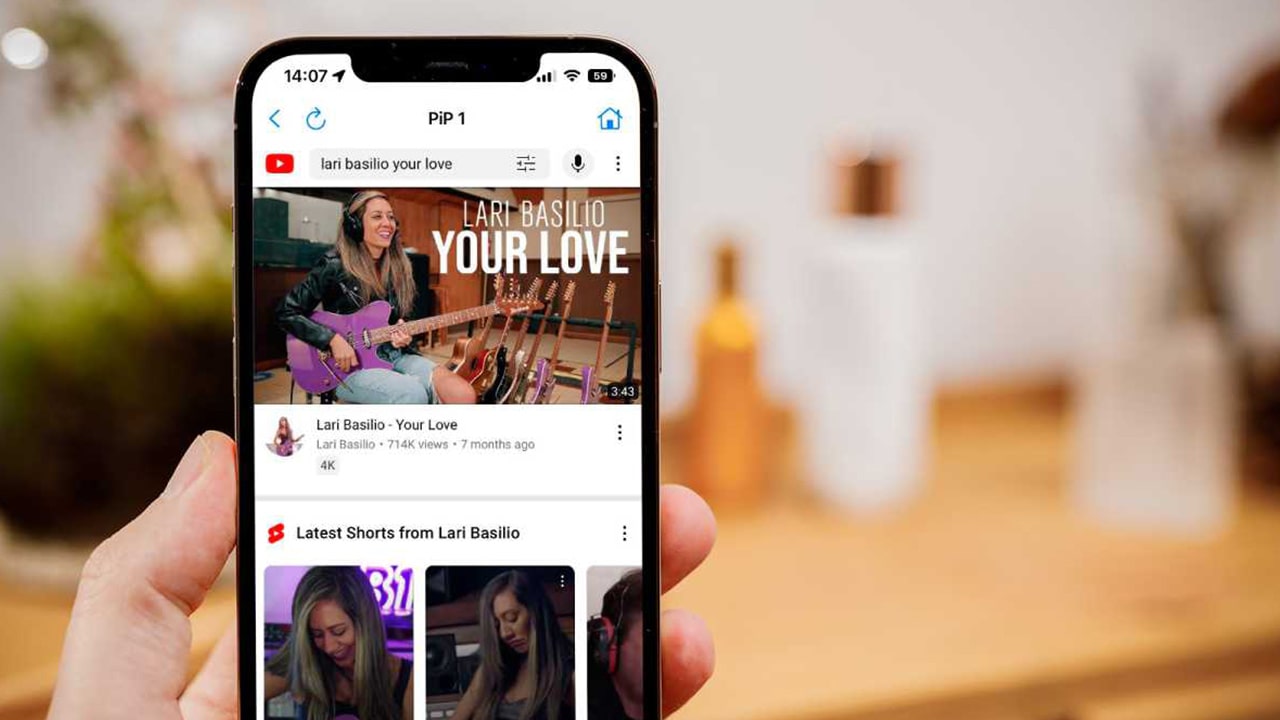
Using a Web Browser
Many people try to do this work on Google Chrome and Safari browsers and then complain this doesn’t work. But you can do another thing. Users can use Firefox or Opera instead of these apps. Install these apps and then browse YouTube. But don’t redirect to the official YouTube app. If that case happens, type m.youtube.com in the address bar and load the mobile site. And if you want to listen to your favourite playlist, you can sign in to your Google account and head to the playlist.
Full-screen Mood
You can see the full-screen icon on the bottom-right of the video. Tap on the icon and then it will hide the rest of the web page.
Use an App
There are apps that allow play on YouTube as a picture-in-picture. Search for these apps and pick one. Simply install these apps and use them. After installation, tap on the video. After the ad is playing, wait until the actual video. Then, you can see the picture in the picture icon and tap on it. Then, you can return to the home screen and drag the video to wherever you want.
One of these methods will work for you. If these methods don’t work download the YouTube videos to your iPhone and play them in your playback app. Most of these apps help you to play sound in the background.