When users want to use the Android ecosystem on Mac computers, they have to use the Android emulators. This is mostly important to people who develop Android games and want to play Android games on their computers. If you are wondering what an Android emulator is, it is a software application that simulates the Android system for users. Users can download, uninstall, and use Android apps via users personal computers and Mac devices. There are a lot of Android Emulators in the field. In this article, we are going to talk about the best Emulators you can use.
NOX player
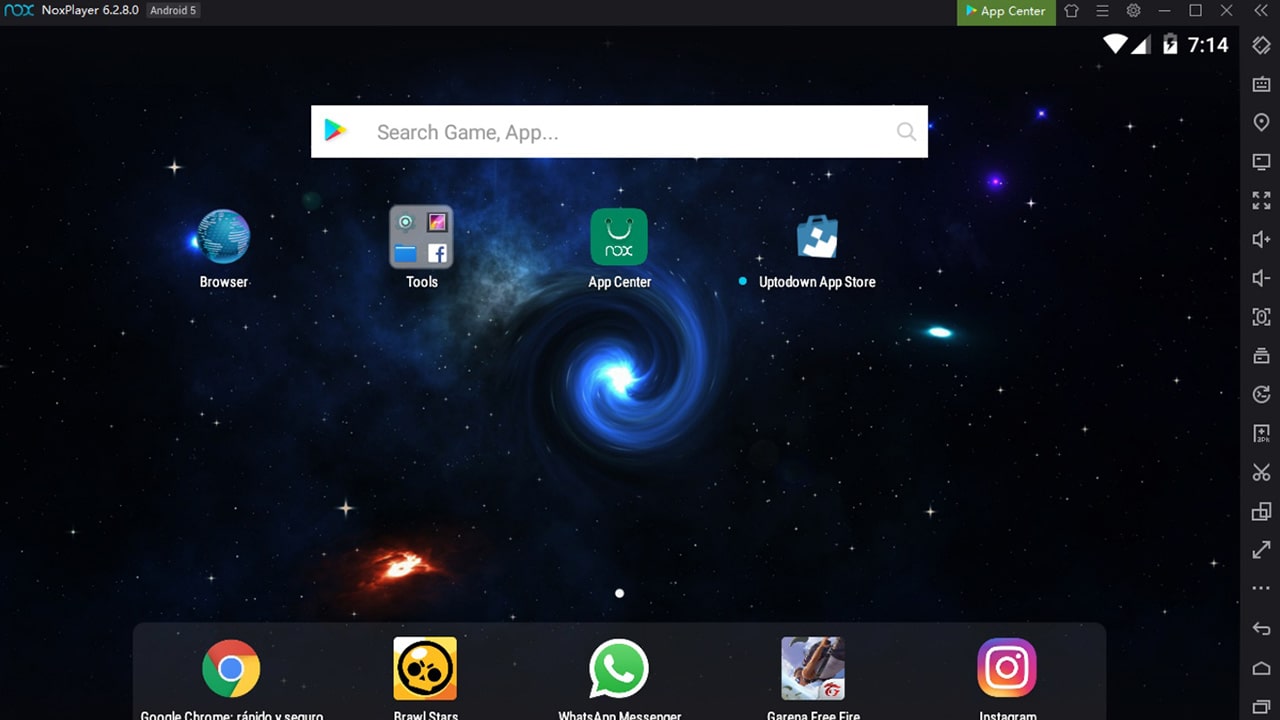
This is perfect for gamers who play games with high graphics, like PUBG. You can assign values according to RAM and CPU usage. The interface is good, and you can customize it as you wish. You can also map shortcuts. If you are new to this, they provide a detailed tutorial. Also, there is a record screen feature. The best thing is that this is free to use. But this takes some resources from your system at the beginning. This runs Android 9 and Android in their beta version. If you want to do more graphically-intensive games, the Android 12 beta is the best option. You can download it simply and it is one of the best emulators in this list.
BlueStacks

When it comes to gamers, this is one of their first choice of them. This gives users the best graphics and smooth performance. Users don’t want any technical knowledge to be set. This is perfect for low CPU and memory space. The user interface is very easy to use. This gives a stable experience without any laggings. But you have to pay to use the full version. Also, some ads are playing in the software when you use it.
Genymotion
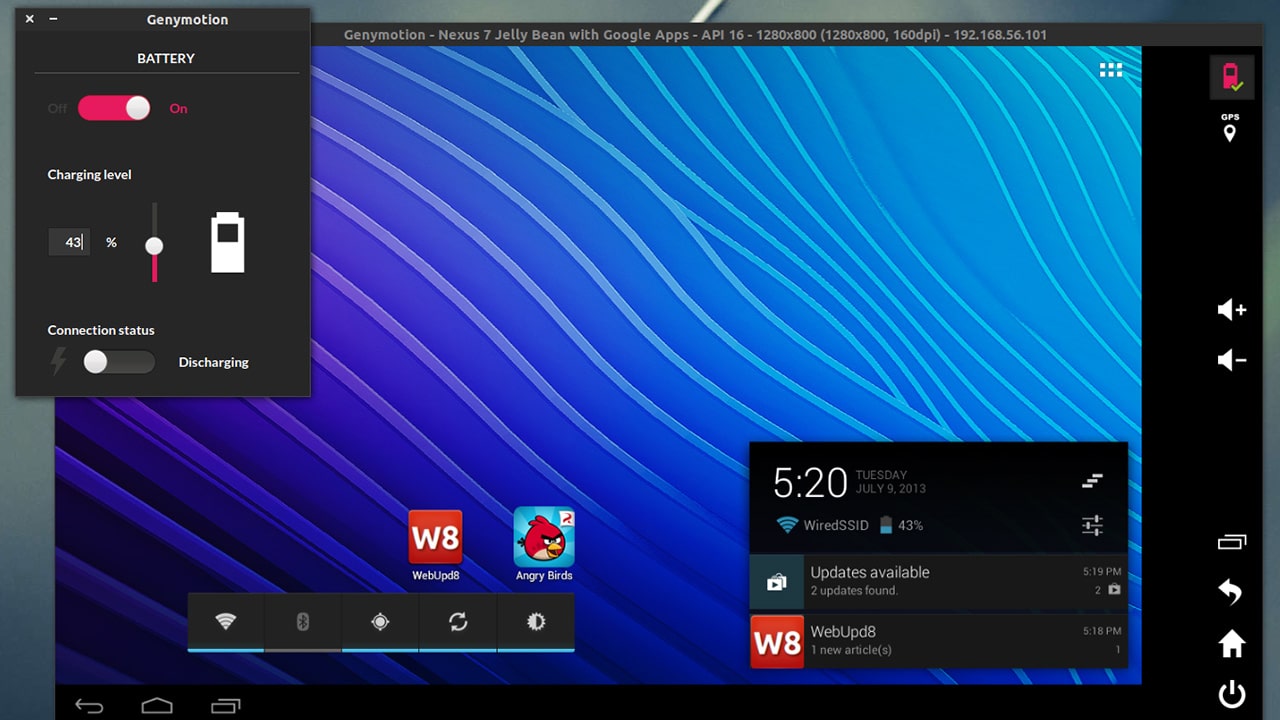
This is the best version for program developers because it gives advanced testing features. But this now gives gamers the best gaming experience. This emulator runs smoothly and stably on macOS and Linux platforms. This software is very easy to use, but there will be some crashes. Even if you run something heavy on your Mac device, this gives the speed you want. There are also some popular development tools like Android Studio and Eclipse.
KOPlayer
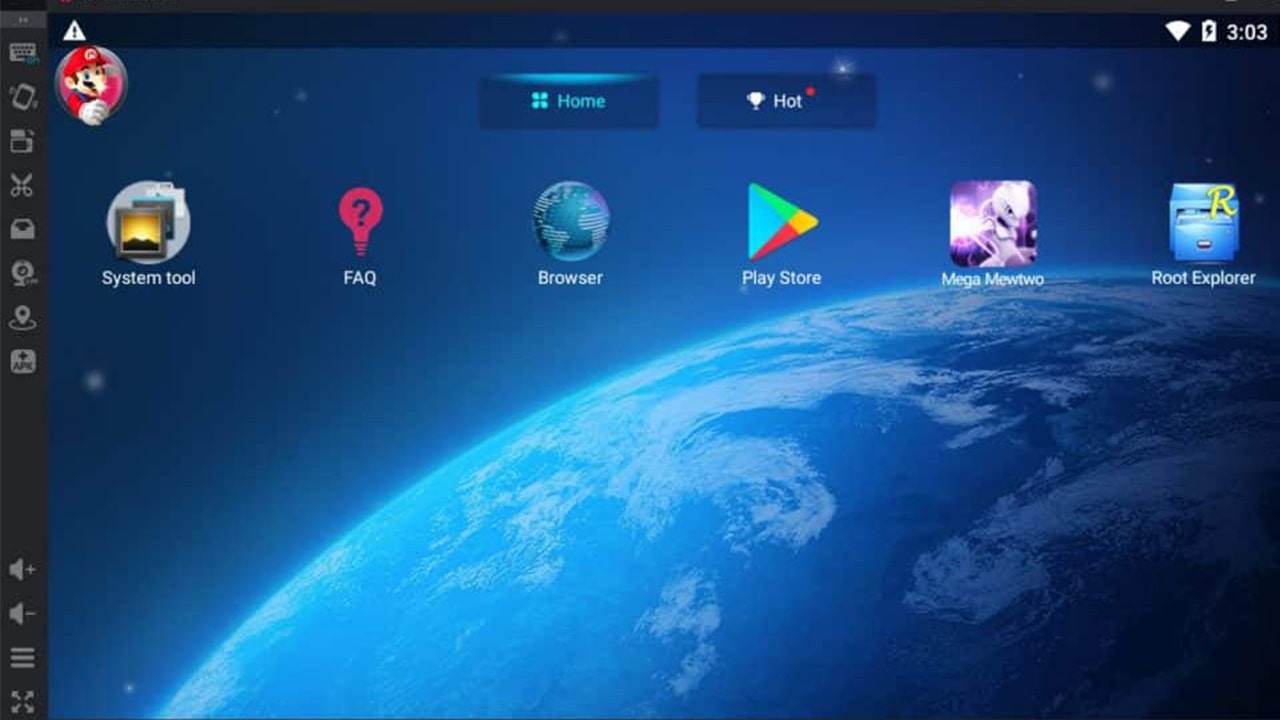
This is one of the best emulators in the field. There are Windows PC and MAC versions. This gives a high-quality gaming experience for the users. Their priority is to give a high-quality and lag-free gaming experience for users. This can run any program if that program is available on Google Play Store. This works well with other peripheral devices. (keyboard, gamepad, mouse, and camera, etc) it has a recording feature. So, you can record your gaming experiences. the tools bar provides many useful tools for the user.
Android Studio
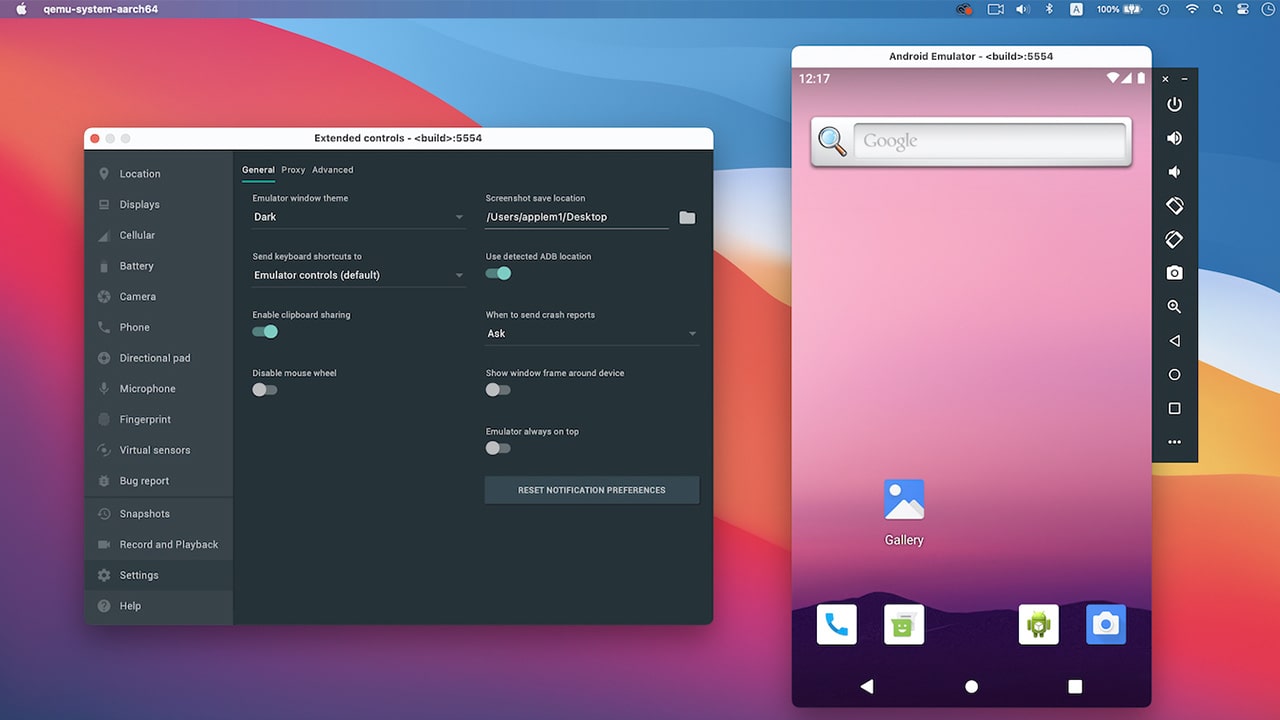
This is the official IDE (Integrated Development Environment) for Android app developers. This is one of the best apps for Android apps and game developers. They provide a built-in emulator and with that, anyone can test your app or games. So, with this, you can get the free built-in emulator to try out new Android versions. This gives a fast and rich experience for the users. This is also a multifunctional emulator. It gives new functions and a user-friendly interface. Users can customize the theme as they wish. Also, they can get screenshots while using the applications.
LDPlayer
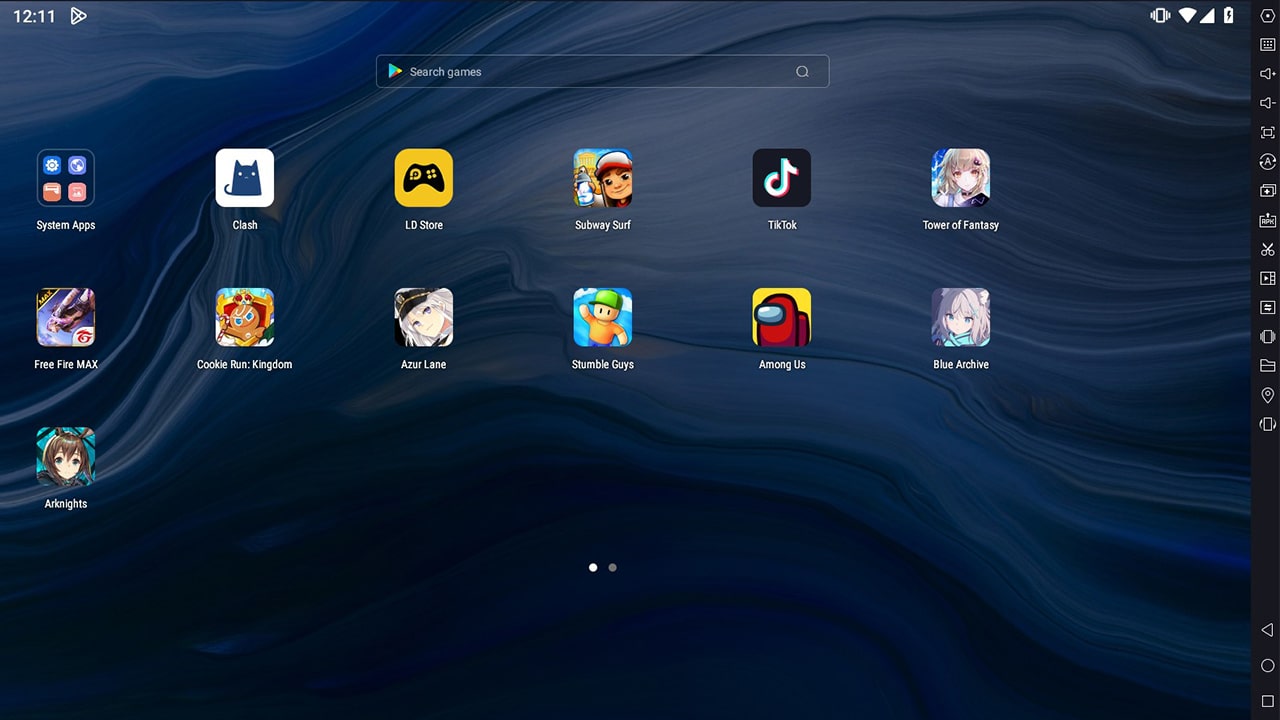
This is one of the best emulators not only for the Mac but also for Windows and Linux. This is best for gaming stuff. It has features like keyboard mapping, Supports gamepad, and higher FPS gaming. There is a special function called Multi-Instance. It allows users to run many games at the same time. You can convert Android games to run on Windows and increase the FPS and graphics. Users can use a keyboard and mouse to play games, and they can also use a split screen to play different games at the same time. Most importantly the Licence is free.
GameLoop
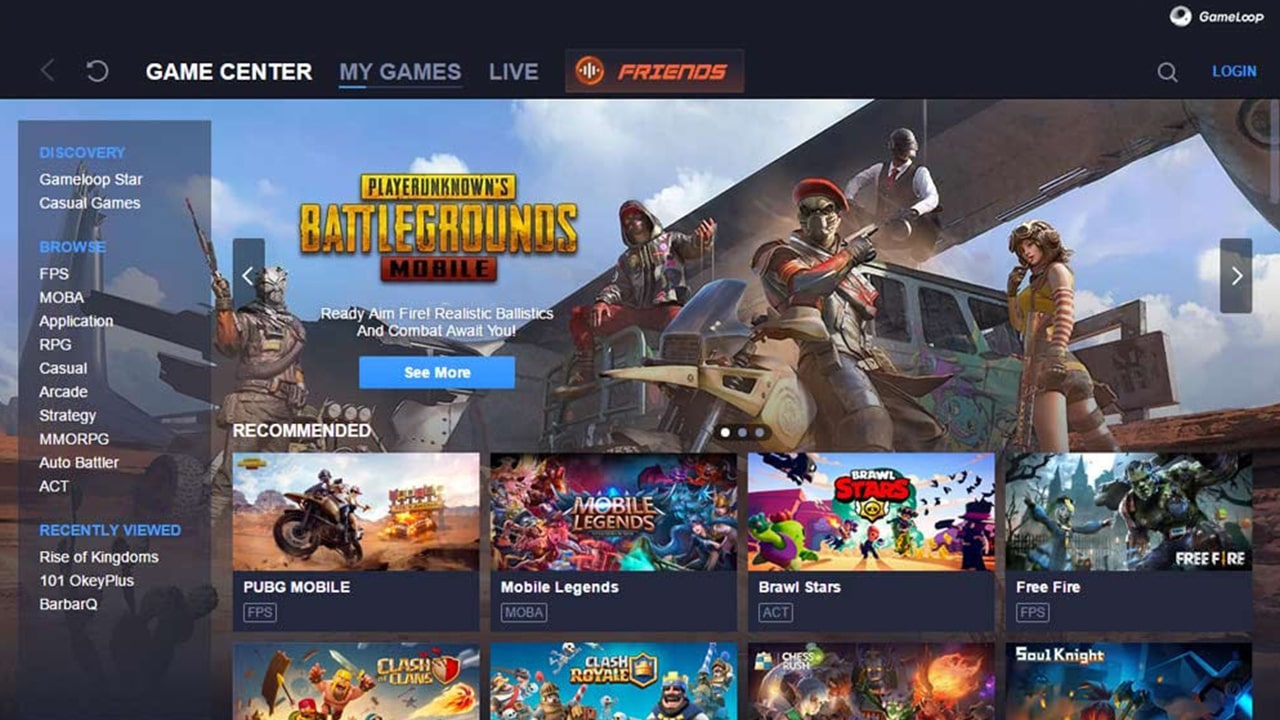
Most people know this as Tencent Gaming Buddy. This emulator supports Call of Duty Mobile and with this, it comes to the top of the list. Before that, it supports PUBG and other Tencent-developed games. The main focus of this emulator is Android gaming. But they mainly focus on Call of Duty and PUBG. They are the official partner of Call of Duty and PUBG gaming. This emulator always gives an excellent performance, and its integration with keyboard and mouse is excellent.
Bliss OS
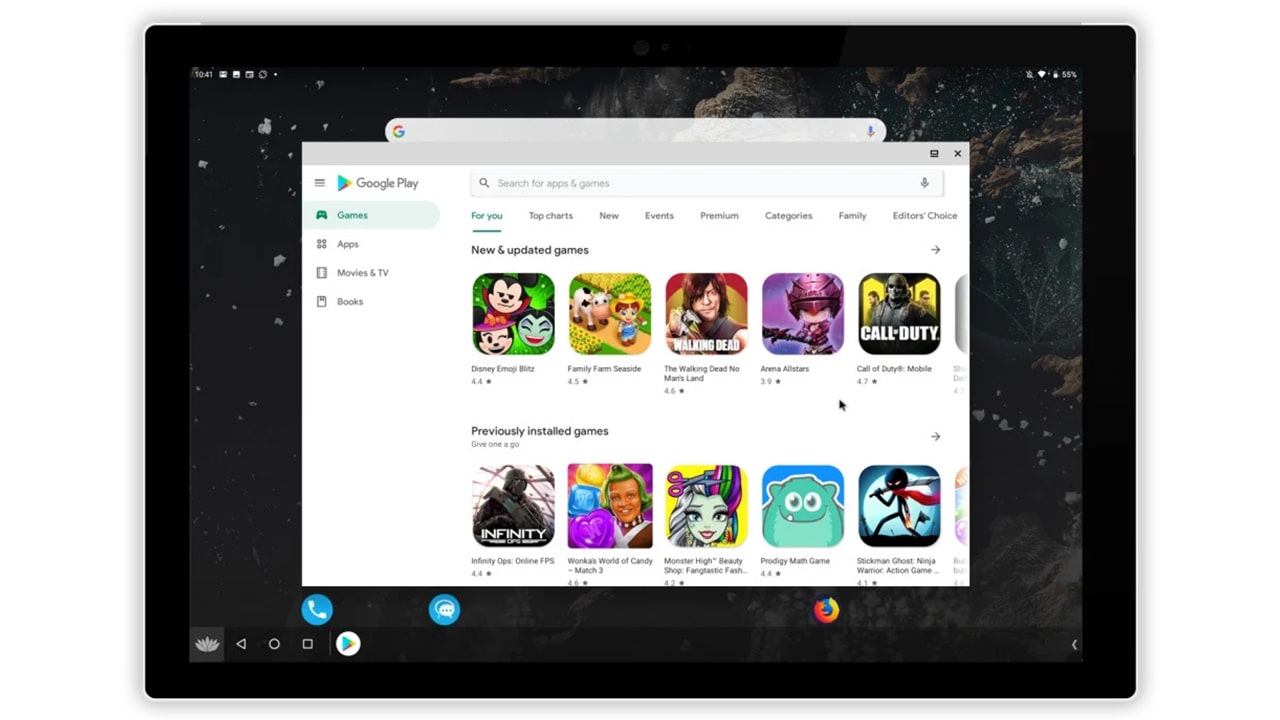
This has come a long way since the first release day. You can use this in three different ways. Download it and boot it into Bliss OS. You can also download it via a virtual machine. And there is a live boot option, with which you can boot it. There are two Android versions and that is a new feature than other emulators. One is Android 11, and the other one is Android 12L. With that, you can play the most recent games and apps. But it acks on some gamer-centric features. But it comes as a free and open-source emulator. Setting up this with Mac may require more effort. But if you can go through the setup process, this is one of the best emulators you can ever try.
ARChon
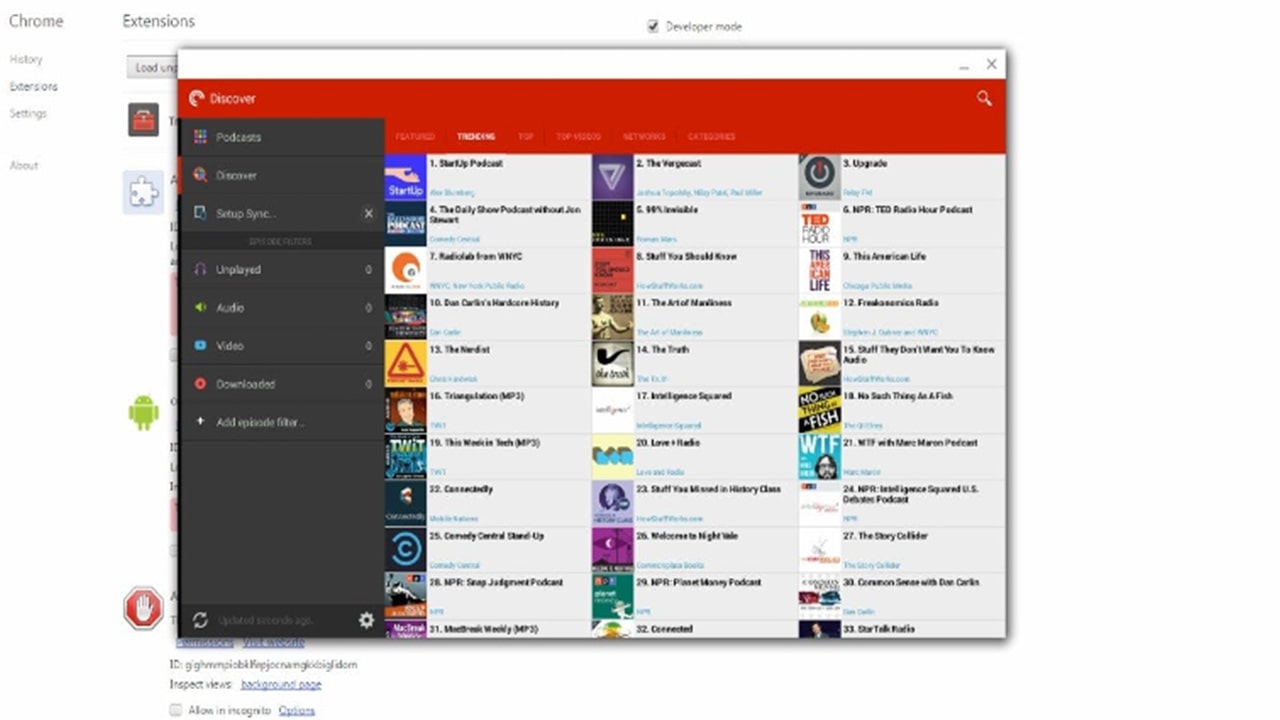
This doesn’t require any kind of installation from the user. This is a Google Chrome extension. So, users don’t want to download any files onto their computers. But it doesn’t run as smoothly as other emulators in this list. The main reason is that it is an extension, not actual software. But the best side is that this offers a ton of customized options. You can download any third-party APK from the cloud using this emulator. This is perfect for minimal use.
You can choose any emulator on this list. But all these emulators offer a great way to experience any Android app or game on your larger screen.